 MMU FRONTIER
In the game
Install
- Run MMU-Frontier-Alpha-Setup.exe.
- Windows may say “Windows protected your PC”: the alpha installer is not signed yet. Click More info, then Run anyway.
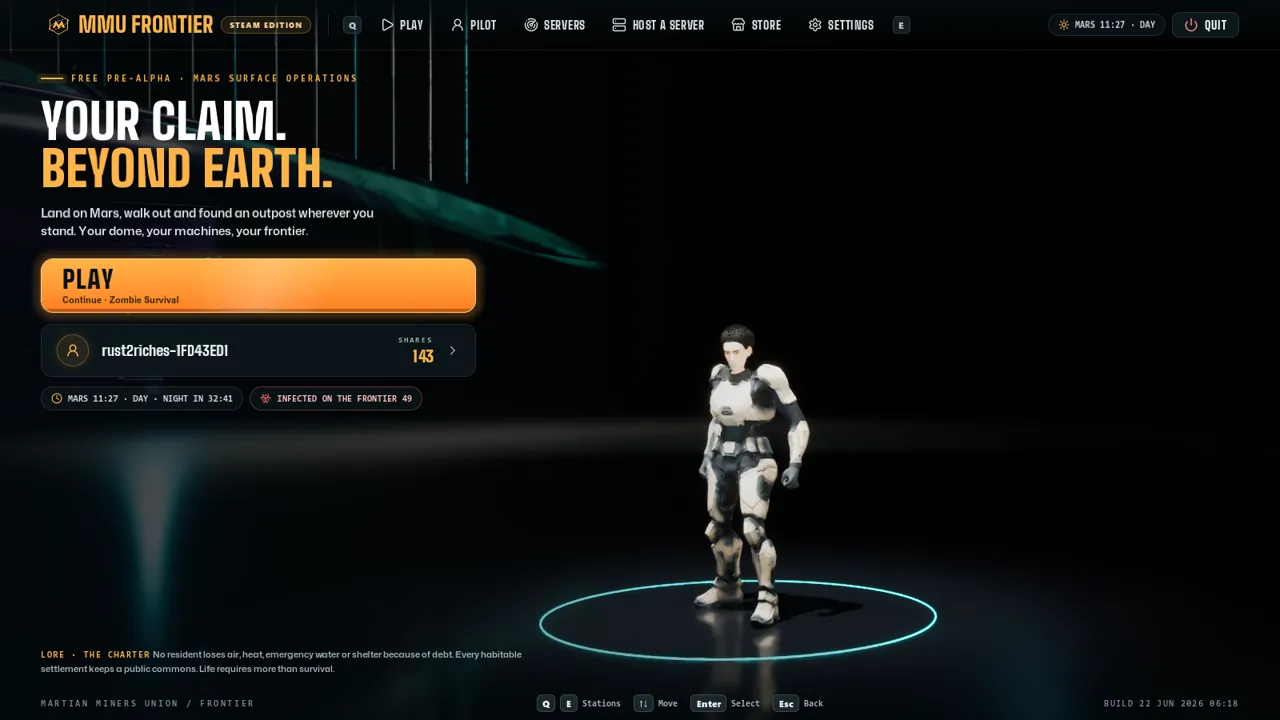
- Start MMU Frontier from your desktop.
The game updates itself each time you start it: only the parts that changed are downloaded.
Already installed an older copy? Get the updater (40 KB).
Host a server
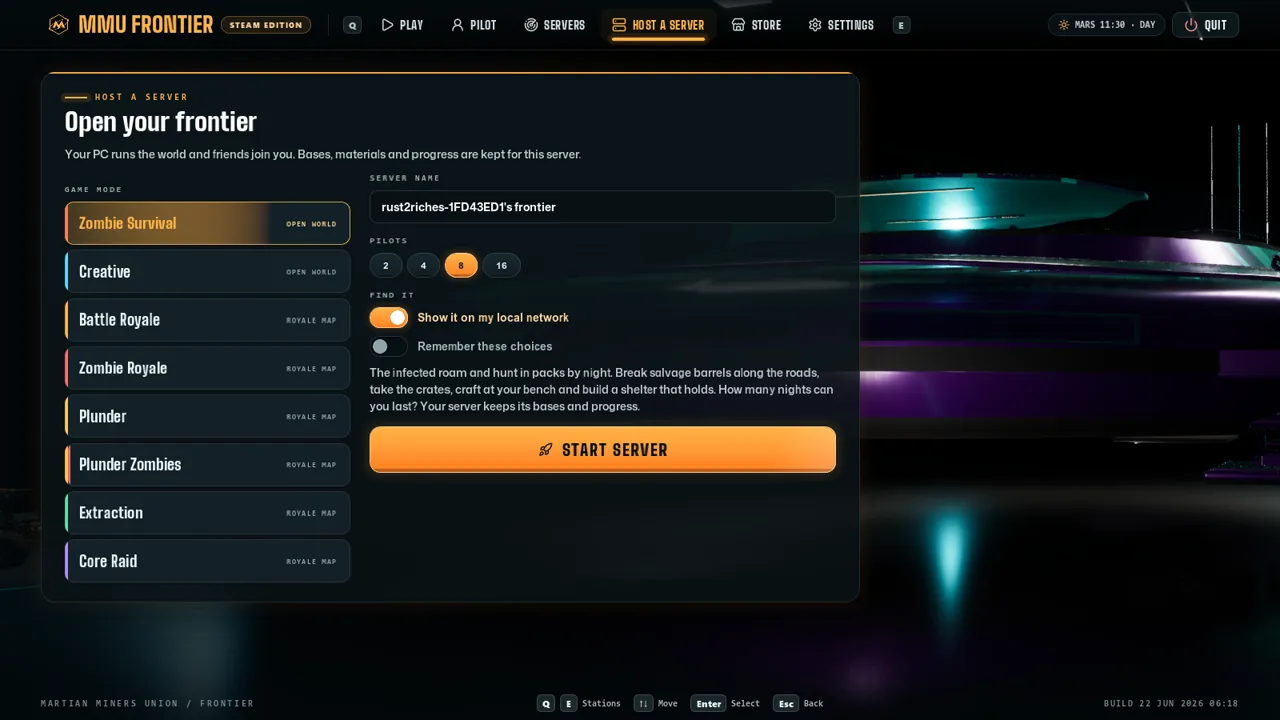
- On the menu, open HOST A SERVER, pick a mode and list it online.
- Anyone playing the alpha finds it under SERVERS and joins.
- No port forwarding: the game makes the connection for you.
You need
- Windows 10 or 11, 64-bit
- A graphics card with DirectX 12
- About 8 GB of free disk space
- An internet connection to play online
Check the file
SHA-256 of MMU-Frontier-Alpha-Setup.exe:
8e6816f3de43d8a86d11d5b3215df8f87c3f55a06d9a3c52e56d1d1ae37761a8
SHA-256 of MMU-Frontier-Update.exe:
44863c80afeace0191d2dcddbb5eb01b82f6c1c3d6a8d5a6ed95ad1c006de1c2